Knowledge Model Compare
We can compare two versions of a knowledge model by clicking Compare from the right item menu (three dots) of a specific KM in the Knowledge Model List or from KM Knowledge Model Detail. This will open a new page where we can select another KM to compare with. The comparison will show the differences between the two versions, including changes in the name, description, as well as changes in the structure of the KM (e.g. added or removed entities, attributes, etc.).
The comparison can be starter in project migration and in KM list and detail.
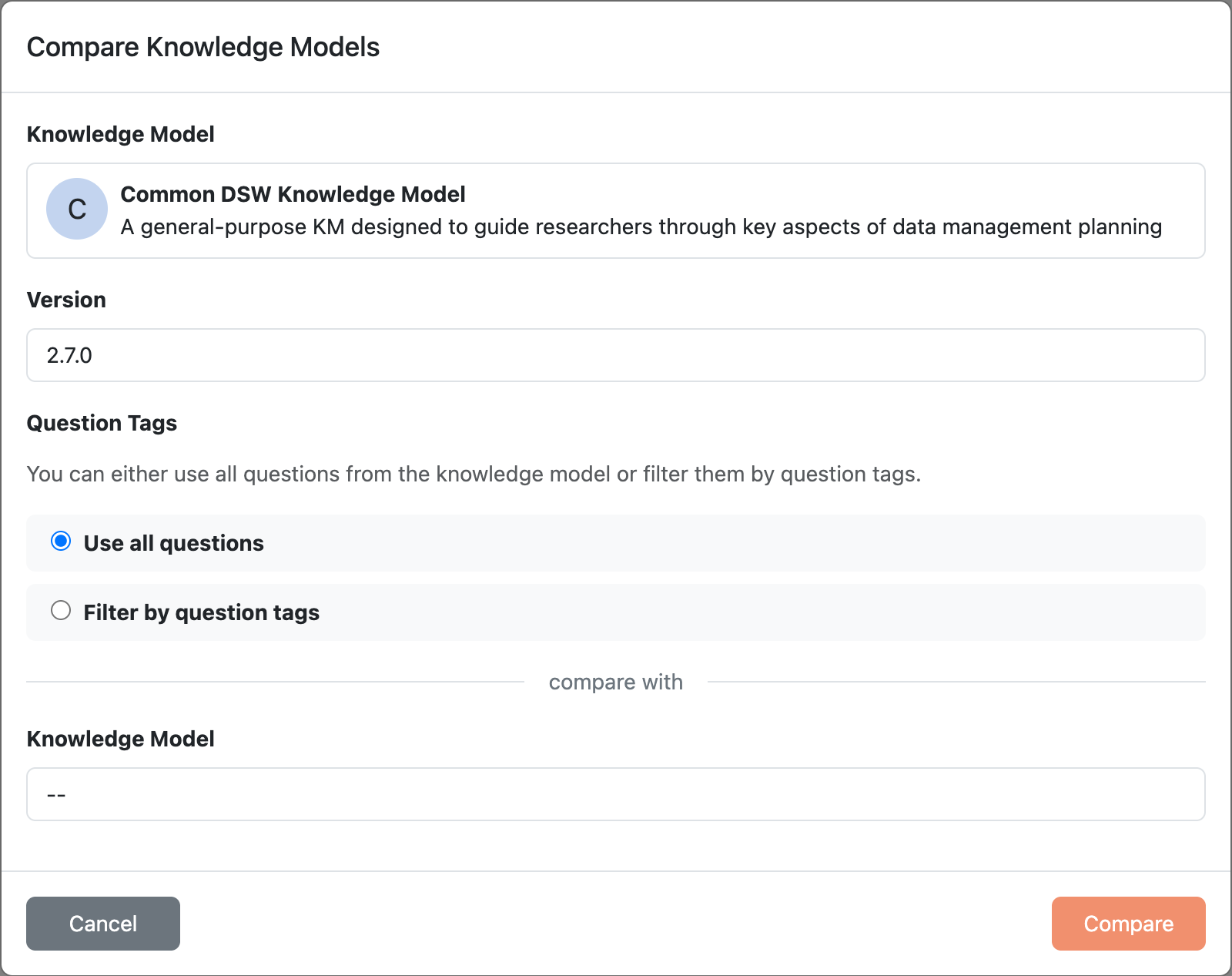
Creating a KM comparison.