Knowledge Model Import
We can import an existing knowledge model by navigating to Knowledge Model List () in the main menu and then clicking on Import button.
From DSW Registry
We can import a knowledge model from the DSW Registry. This is a repository of knowledge models. To import a knowledge model from the registry, we need to enter the knowledge model ID of the desired template (e.g. dsw:lifesciences:2.6.7) and press the Import button.
Note
In case of knowledge model present in the DSW Registry, we will be notified about the available upgrade by yellow update available badge.
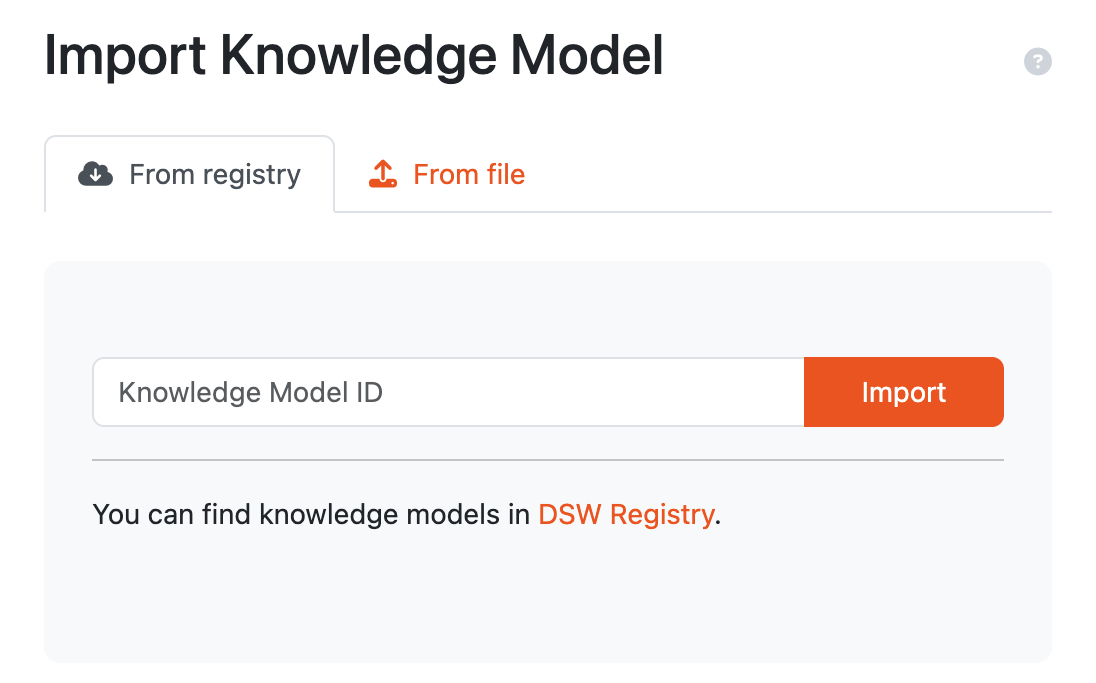
Input for importing a knowledge model from DSW Registry.
From file
We can import a knowledge model as a KM file. Such a file can be created as an export from DSW (from Knowledge Model List or Knowledge Model Detail). We can also select multiple files at once.
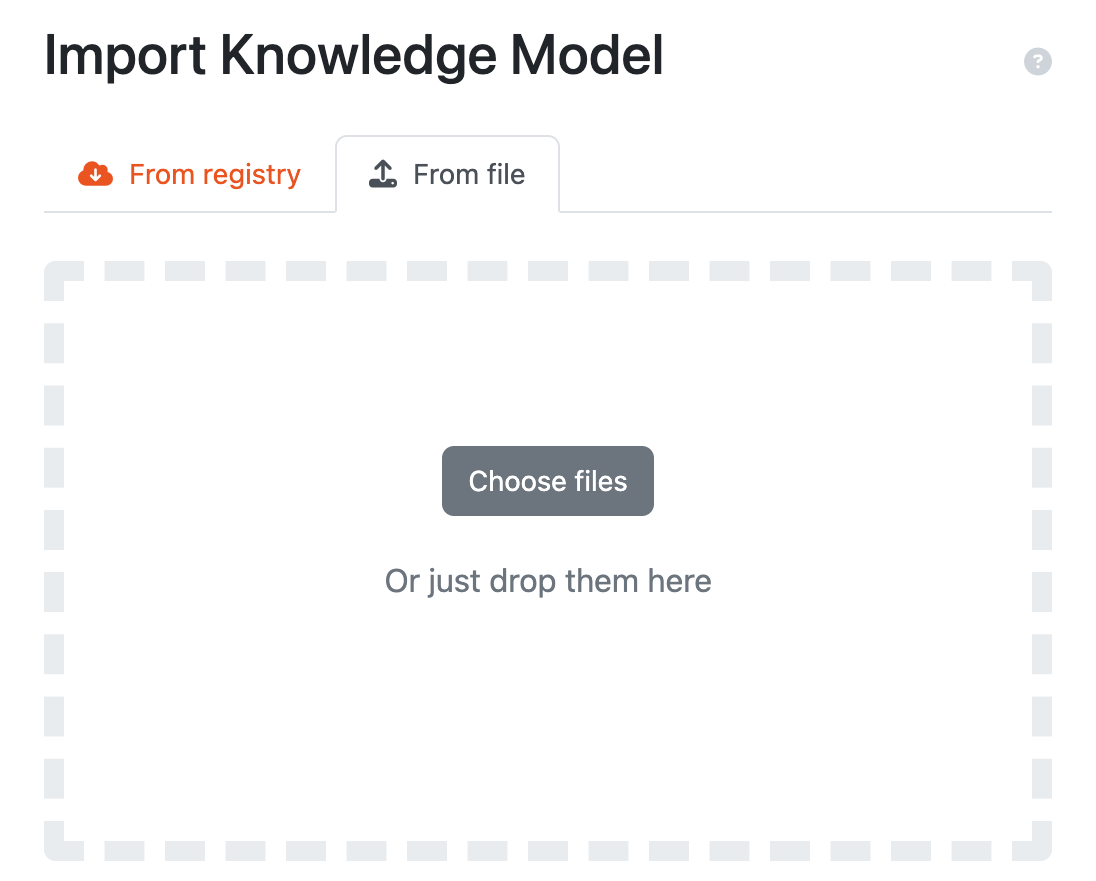
Input for importing a knowledge model using a KM package.