Roles
Roles define what users can do across the DSW instance. Each user has one global role. The role contains a set of permissions, such as whether the user can manage users, configure settings, work with knowledge models, or access all projects.
Default Roles
New DSW instances include default roles for the usual workflows:
Researcher for users who mainly create and work on their own projects.
Data Steward for users who prepare content such as knowledge models, document templates, and project templates.
Admin for users who manage the instance.
The Admin role cannot be changed or deleted. Other default roles can be adjusted or deleted if they are not assigned to users and are not configured as the default role for new users.
Custom Roles
Users with permission to manage settings can create custom roles when the default roles do not match the way an organization works. A role has a name and selected permissions.
Custom roles are useful for cases such as:
a data support role that can view or comment on all projects
a user-management role that can manage users without managing settings
a content-management role that can work with knowledge models or document templates
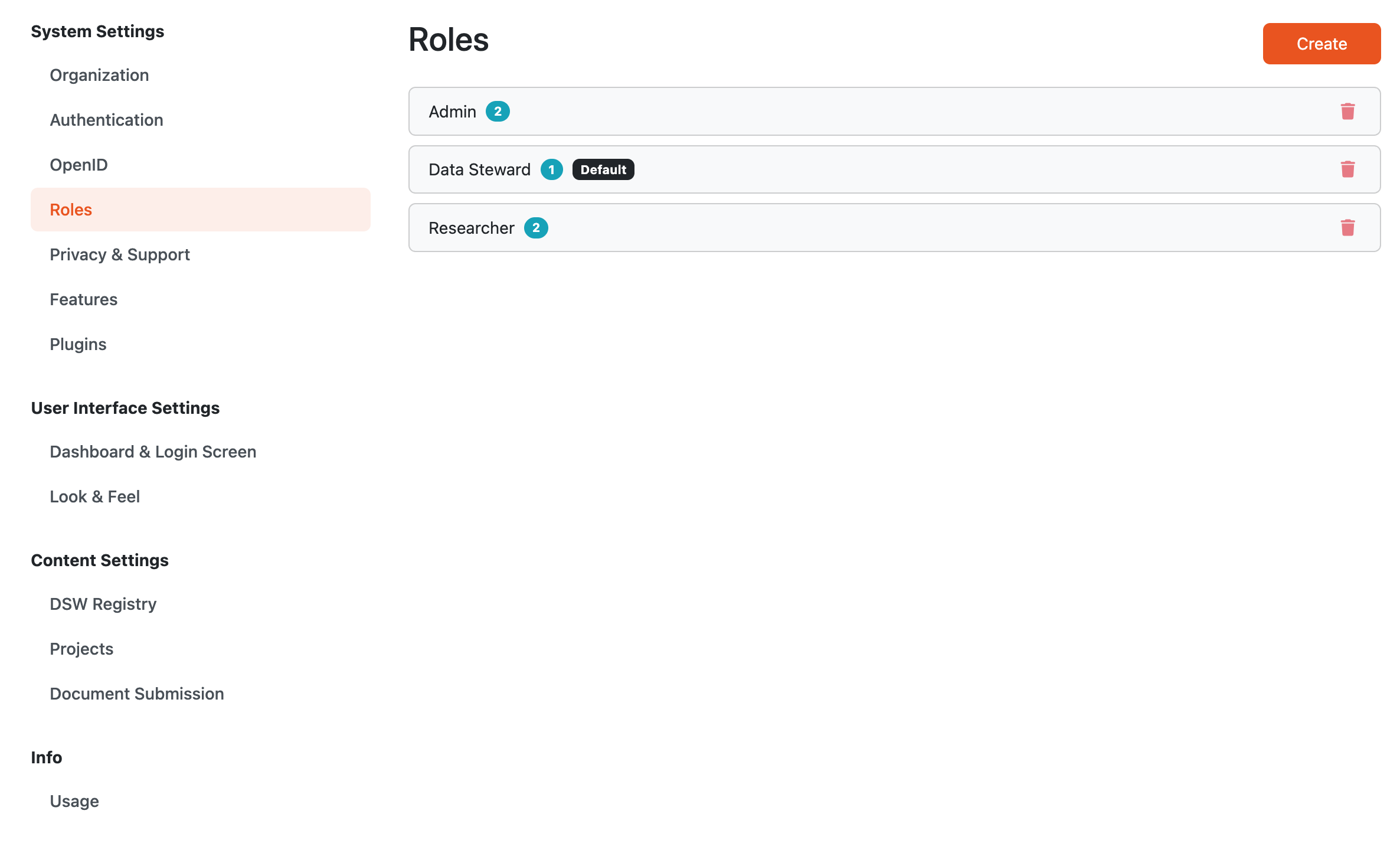
List of system generated roles. New roles can be created.
Role Permissions
Permissions are grouped by the type of work they enable.
The role create/edit form includes these permissions:
Permission |
What it enables |
Implied permissions |
|---|---|---|
Manage Project Templates |
Set projects as project templates. Users with this permission can also create new projects directly from knowledge models, even when project creation is restricted to templates. |
None. |
View ALL Projects |
View all projects, regardless of project sharing and visibility settings. |
None. |
Comment on ALL Projects |
Comment on all projects, regardless of project sharing and visibility settings. |
View ALL Projects |
Edit ALL Projects |
Edit all projects, regardless of project sharing and visibility settings. |
View ALL Projects, Comment on ALL Projects |
Manage ALL Projects |
Manage all projects as if the user were an owner, regardless of project sharing and visibility settings. |
View ALL Projects, Comment on ALL Projects, Edit ALL Projects |
Use Knowledge Model Editor |
View, create, edit, and delete knowledge model editors, migrate them, and publish knowledge models from them. |
Manage Knowledge Models |
Manage Knowledge Models |
Import, export, and delete knowledge models, set them as deprecated, restore them, or set them as public. This permission also allows users to manage knowledge model secrets. |
None. |
Use Document Template Editor |
View, create, edit, and delete document template editors, and publish document templates from them. |
Manage Document Templates |
Manage Document Templates |
Import, export, and delete document templates, and set them as deprecated or restore them. |
None. |
Manage Users |
View, create, edit, and delete user accounts. |
None. |
Manage Settings |
View and manage application settings. |
None. |

Detail of a role with its permissions.
Global Roles and Project Sharing
Global roles and project sharing are related but separate.
Project sharing controls access to a specific project. It is used for inviting collaborators as viewers, commenters, editors, or owners.
Global role permissions can grant access across projects. For example, a role may allow a user to view, comment on, edit, or manage all projects in the instance. In that case, the user does not need to be listed explicitly in every project’s sharing settings for that level of access.
Project sharing is still used to manage collaboration inside a specific project, especially for project ownership and external/public access.
Editing Roles
When a role is changed, users assigned to that role receive the updated permissions. Before changing a role, check how many users are assigned to it.
A role cannot be deleted if it is assigned to users. A role also cannot be deleted if it is configured as the default role for new users.