Create a knowledge model editor
Open Knowledge Models → Editors and choose Create. This requires Use Knowledge Model Editor. We need to enter a name, knowledge model ID, new version and source language. The identifier and version are separate values; the identifier uses alphanumeric characters, hyphens, underscores and dots.
Start from scratch or choose a released model in Based on. Creating from an existing model provides its content as a starting point; review whether you are preparing a new version or a fork with its own identifier. The content detail also provides the corresponding create-editor or fork shortcut.
Continue with Knowledge Model to edit the model’s structure and guidance.
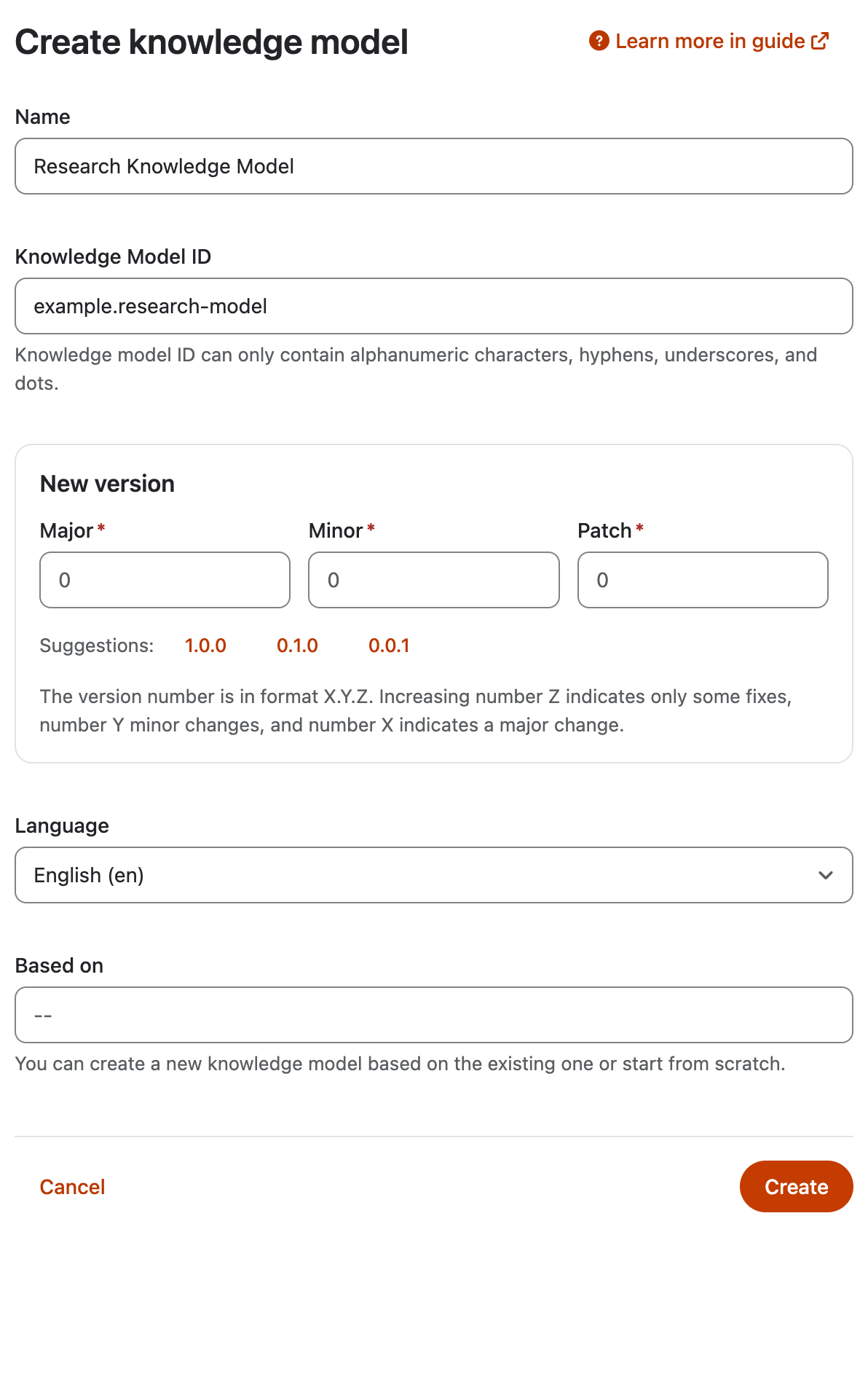
Create a Knowledge Model Editor.
Starting from an existing model
Based on copies the selected model’s content into the editor. We can then add, remove or modify its chapters, questions and other entities. Its source language is used by default.
Use Fork KM on a released model to start a separate model, or Create KM editor to prepare another version. These shortcuts prefill the creation form. After deleting an editor, we can create another from the released model to continue development; deleted unpublished changes are not restored.