Import Locale
We can import an existing locale by navigating to in the main menu and then clicking on Import button on the list of locales.
From DSW Registry
If the DSW instance is connected to the DSW Registry, it is possible to import locales from it by entering the locale ID of desired template (e.g. dsw:cs:0.2.0) and pressing the Import button.
Note
In case of locales present in the DSW Registry, we will be notified about the available upgrades.
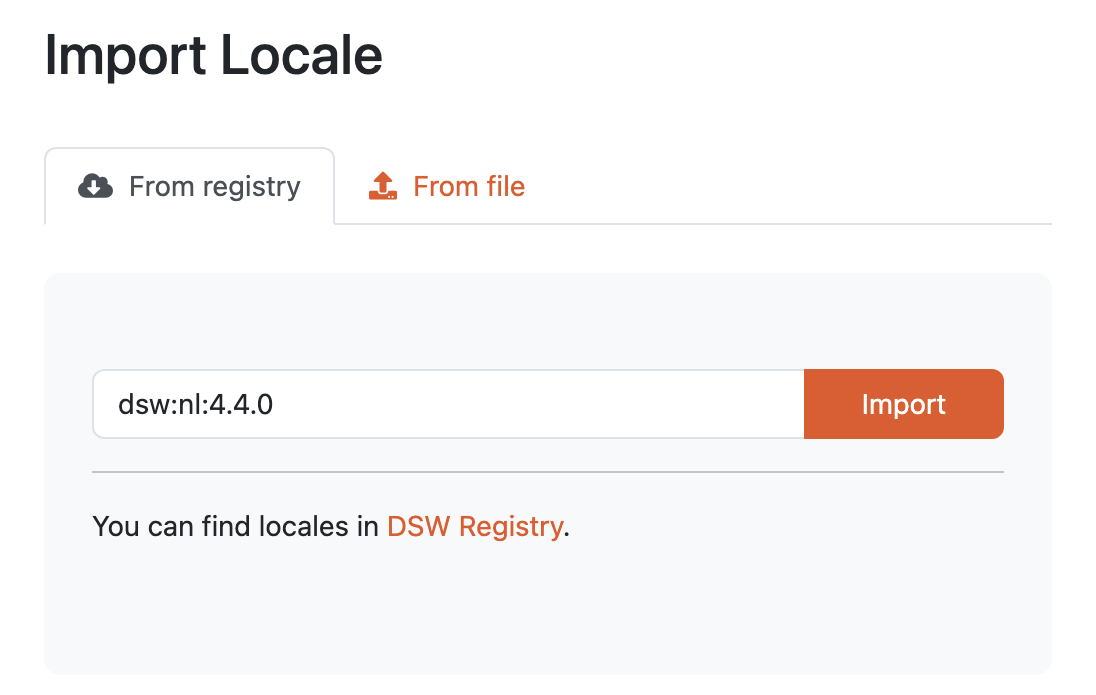
Input for importing a locale from DSW Registry.
From file
We can import a locale as a ZIP package. Such a package can be created as an export from DSW. We can also select multiple files at once.
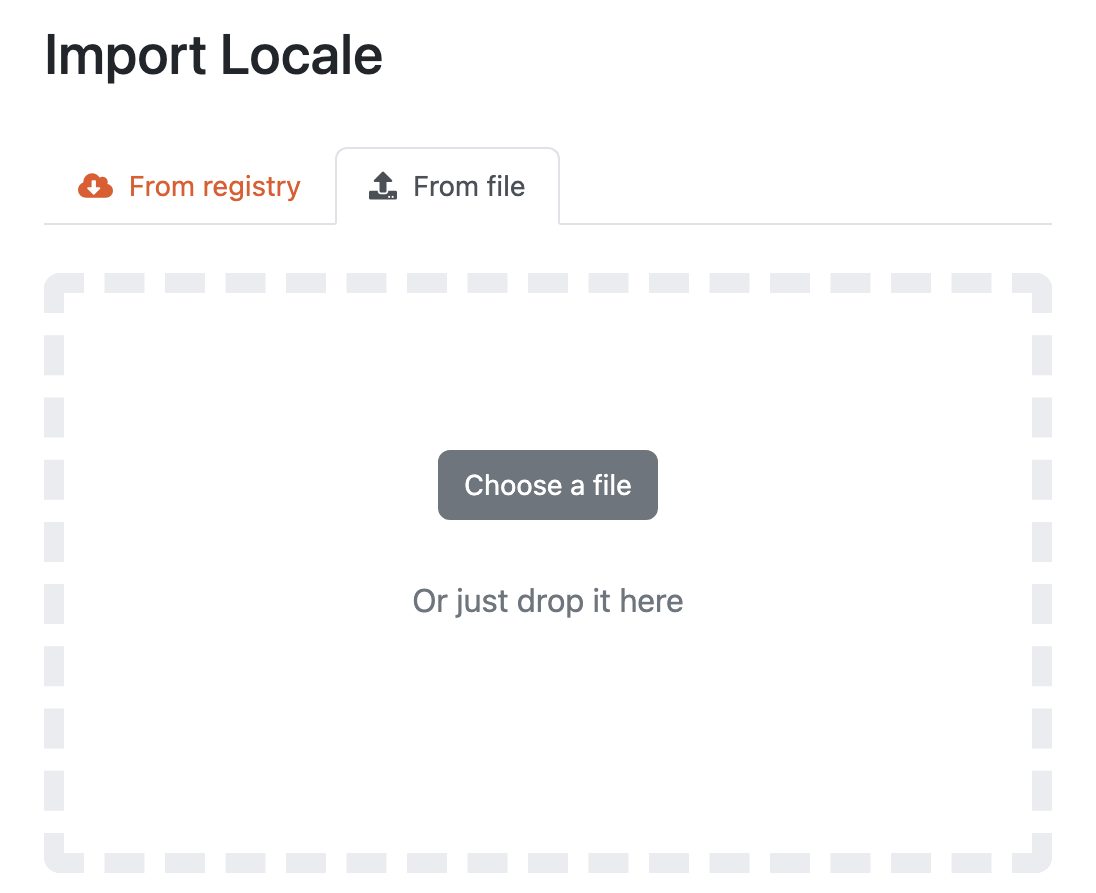
Input for importing a locale using a ZIP package.