Settings
In the Settings tab, we can configure some details about the project. First we have a name and a description to identify the project.
Next, we have Project Tags. These can be used for providing some metadata or categorization of the project. In the project list, we can filter the projects by these tags. We can write any text we want as a project tag and DSW will suggest us the tags that are there already in use so we can keep them consistent.
Note
Project tags might be disabled in some DSW instances.
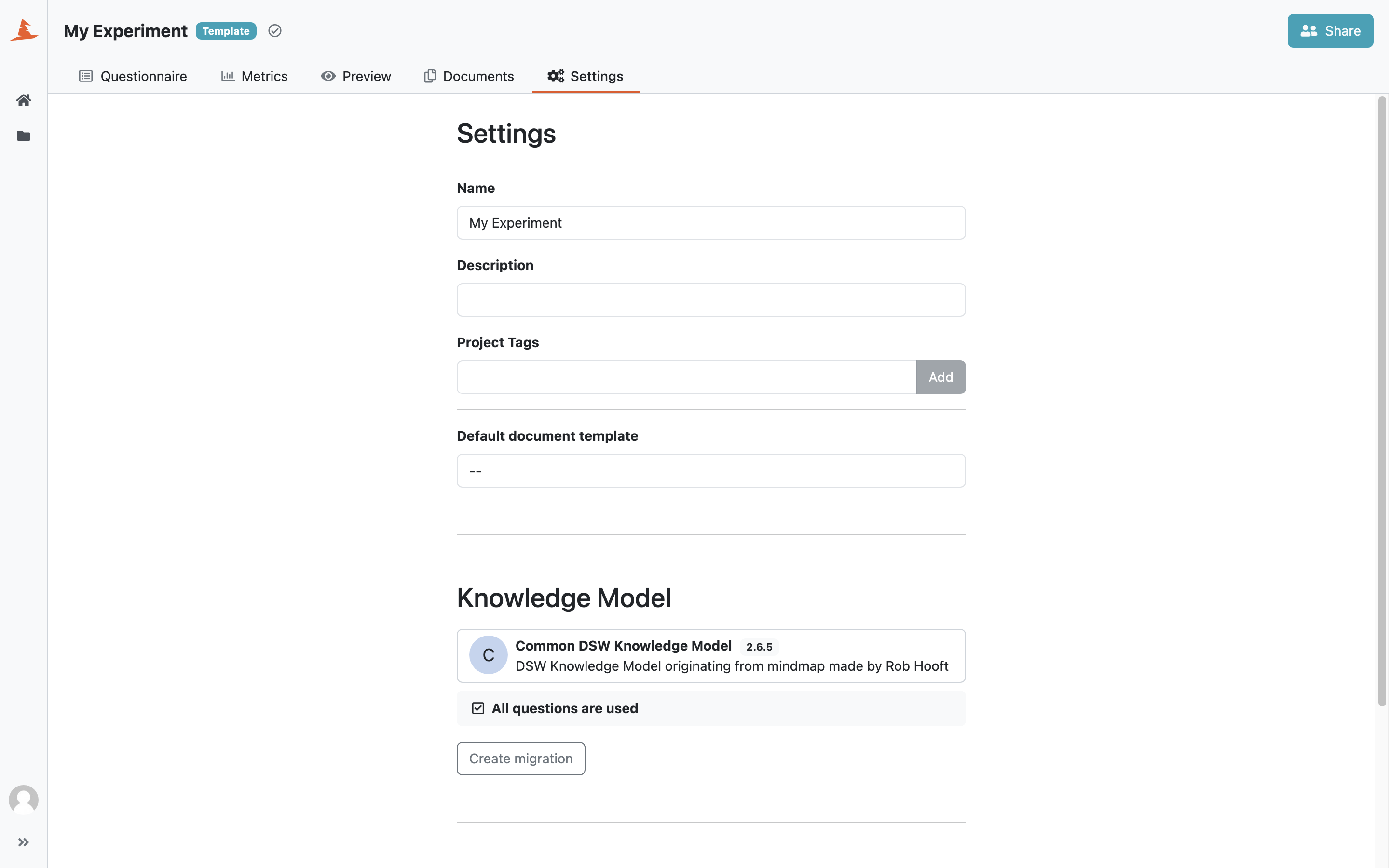
Project settings.
Default Document Template
We can set a default document template and a default document format. These are then used in the preview tab and also pre-selected when creating a new document.
If a newer version of the selected document template is available, DSW shows a warning in this section. If the selected template or format is no longer compatible with the project’s knowledge model, choose a compatible template and format before saving the settings.
When the selected template has locales, we can choose a default document language. The template’s source language is selected by default; other available languages come from imported document template locales. We can still choose a language when creating an individual document.
Project Template
We can use the project as a project template. If we enable this option, users with access to the project can use it when creating a new project from project template. Project templates follow the same sharing policy as projects, so we should share the template with users who should be able to use it.
Note
Project template options are visible only for users with permission to manage project templates.
Unsupported metamodel badge can appear, when the document template is not compatible with the version of DSW. Users should contact the person responsible for document templates or instance administration in this case.
Questionnaire Language
If the project’s knowledge model has locales, we can choose the questionnaire language in project settings. The available options are the source language of the knowledge model and any locales added for that knowledge model version.
Changing the questionnaire language changes the knowledge model texts shown in the questionnaire, such as questions, answer labels, descriptions, advice, and resource pages. It does not translate answers that users have typed into the project.
Knowledge Model
We can see the knowledge model and its tags used for creating the project. If a newer version of the knowledge model is available, DSW shows a warning in this section.
If we want to change the knowledge model, its version, or selected question tags, we can create a project migration.
Danger Zone
In the danger zone, we can delete the project. Once the project is deleted it can no longer be recovered.