Users
A users list allows users with permission to manage users to see and manage all users in a DSW instance. The list can be filtered using roles, searched by name or email fragment, and sorted via various user properties. The list shows the role of a user next to their name and also indicates when the user is inactive. Next to the email, we can quickly see what authentication services the user uses to log in.
A user detail can be opened by clicking the name of a user or by selecting Edit in the right dropdown menu for the desired row. There, a user can also be deleted via the Delete action. Finally, a new user can be created by clicking Create.
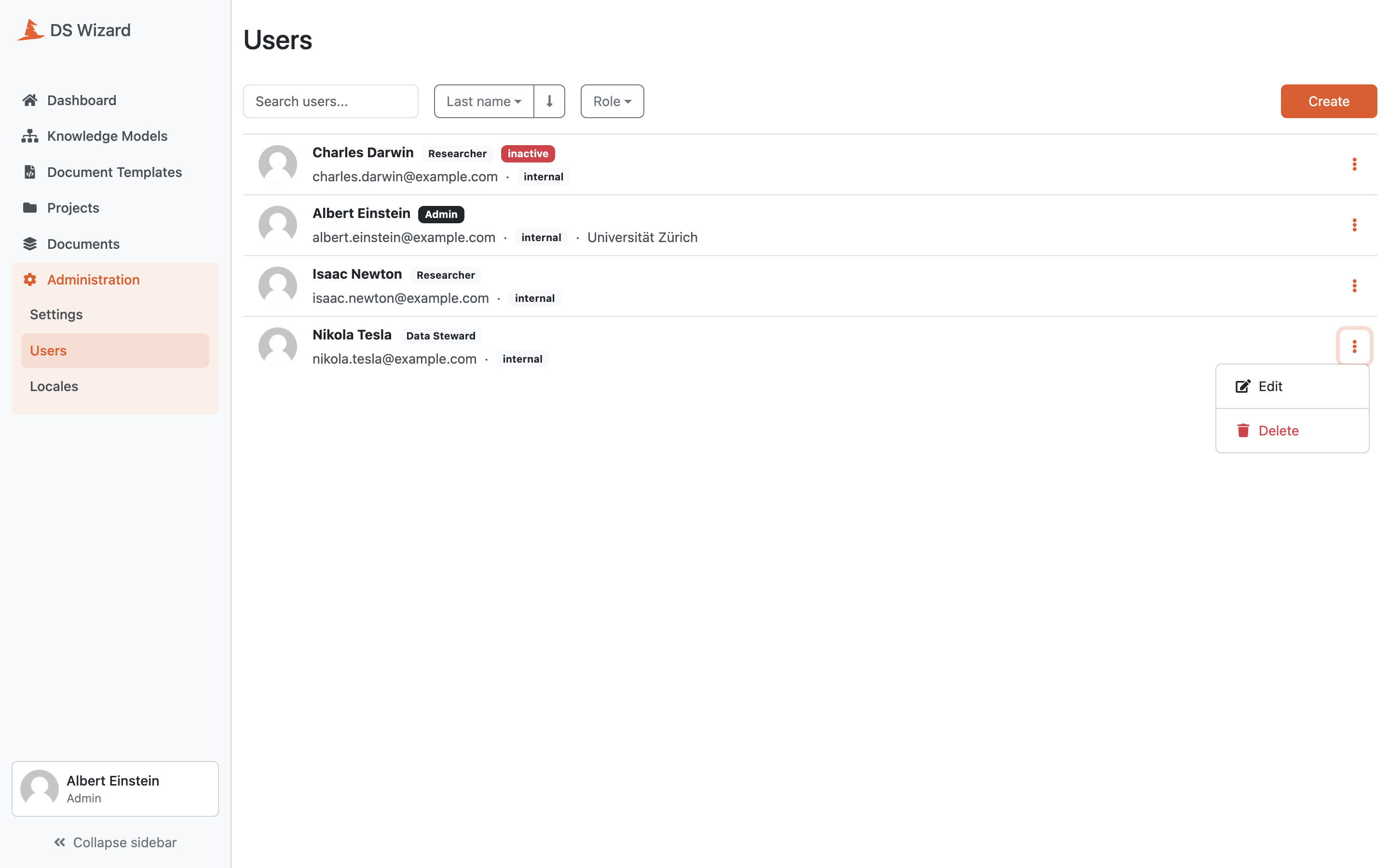
List of users.